Still image · transparent PNG or Pure white
Remove Background from Image Online
Upload a still, remove the background, and download a transparent PNG. Need a solid white field instead? Export Pure white (#FFFFFF) on the result—same credit, no re-run.
Drop image here or click to upload
JPEG, PNG, or WebP · Max 10MB · Transparent PNG out
Cut subjects out of photos in the browser and keep a real alpha channel—not a white fill pretending to be transparency. Open the still tool, run removal, and download a PNG you can drop on any color or template.
Before / after
Real outputs from ExportAlpha’s still pipeline (same models as production). Spot-check your own download at 100% zoom—edge quality varies by subject.
Before

After

Before
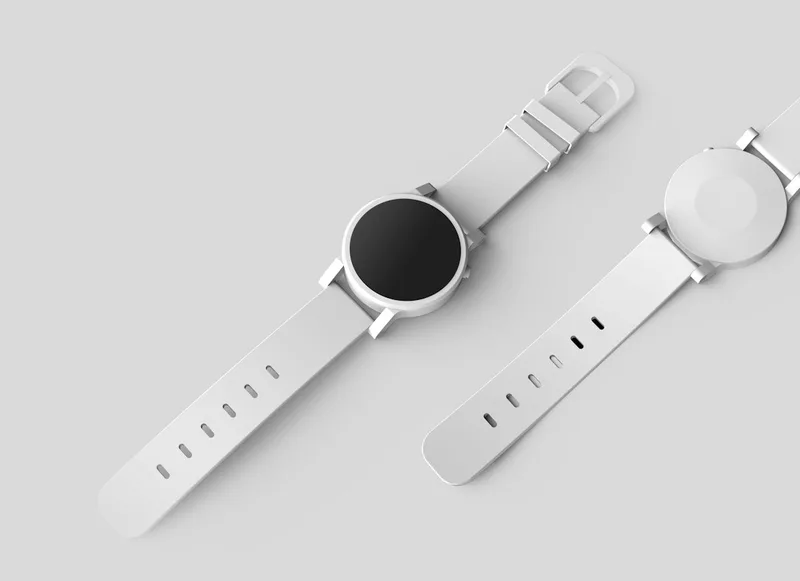
After
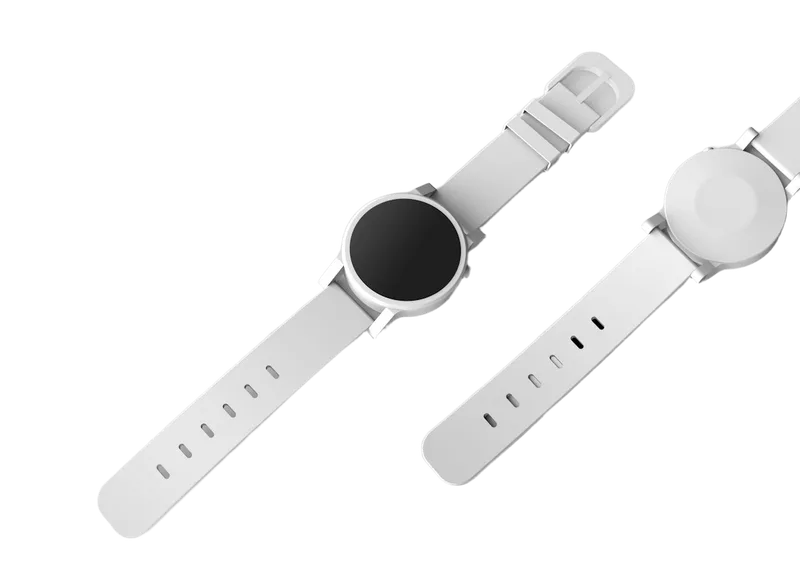
Before

After

Before

After

Formats & outputs
- Input: JPEG, PNG, or WebP (max 10MB)
- Output: Transparent PNG; optional Pure white (#FFFFFF) on the result page (same credit, no re-run)
- API: None — browser tool only
- On-device: No — files are processed online
How it works
- Upload a clear still (JPEG, PNG, or WebP). Prefer the original file over a compressed chat screenshot.
- Remove the background in the still tool (/?mode=image).
- Download a transparent PNG—or choose Pure white (#FFFFFF) if your destination wants a solid white field. Spot-check the file on a non-white color in your editor.
Credits & trial
- 5 free credits on first sign-in.
- Trial stills capped at 5.
- 1 credit = 1 still image (= 1 video second on the shared pool).
- Paid accounts use the better still model; trial uses the lighter model.
- Fair-use limits apply.
- Plans & packs: /pricing
When to use something else
- Need a developer image API or heavy bulk automation → ExportAlpha has no image API; pick a path built for API/batch.
- Need fully on-device processing so files never leave the machine → use local software; this tool runs online.
- Need motion with transparency → use ExportAlpha’s transparent video tools (same credit pool, per second).
Guides
- How to remove background from an image — pillar how-to
- How to make a transparent PNG — alpha / JPG vs PNG
- Product photo → transparent PNG — ecommerce prep
- Free online background remover — what free means — trial honesty
- How to make a photo background white — Pure white (#FFFFFF)
Frequently asked questions
Is this background remover free?
Free to start: 5 free credits on first sign-in, with trial stills capped at 5. It is not unlimited free. After the trial, buy credits on /pricing.
What formats can I upload and download?
Upload JPEG, PNG, or WebP (max 10MB). Download a transparent PNG, or export Pure white (#FFFFFF) on the result (same credit, no re-run).
Can I get a white background instead of transparent?
Yes. On the result, choose Pure white (#FFFFFF). For the how-to, see Make a photo background white.
Does it keep fine hair detail?
Hair, glass, and thin straps are harder than clean edges. Trial uses the lighter still model; paid unlocks the better still model. Always zoom the download at 100% in your editor—we do not publish accuracy scores.
Is my image stored?
Private still job files (uploads and processed results) are deleted automatically 7 days after processing finishes. See the Privacy Policy.
How long do you keep my images?
Uploaded images and results are deleted automatically 7 days after processing finishes. See the Privacy Policy.
Do trial results have a watermark?
No. Trial results are PNG files without a watermark. Paid accounts use the better still model.
Does this work for video?
This page is for stills. For transparent video (WebM / ProRes), open the video tool. Credits are shared: 1 credit = 1 image = 1 video second.
Is there an image API or on-device mode?
No image API, and processing is online—not on-device.
Ready to cut a still?
Open the still background remover, or jump straight to Pure white export.